Talk.Press.Banger.
No camera, no editing, no cloud. About one minute from thought to finished clip: you talk about your topic, BangerClip turns it into a reel with subtitles, graphics, your face and your colors.
Free · 3 clips a month · no credit card · macOS 14+ on Apple silicon
- 1Press ⌃⌥R
- 2Talk for a minute
- 3Post your banger
Try it
Click the face. You'll hear a real recording, the sound ring reacts to the voice and the subtitles follow along. Then BangerClip builds the clip, shown here in fast motion.
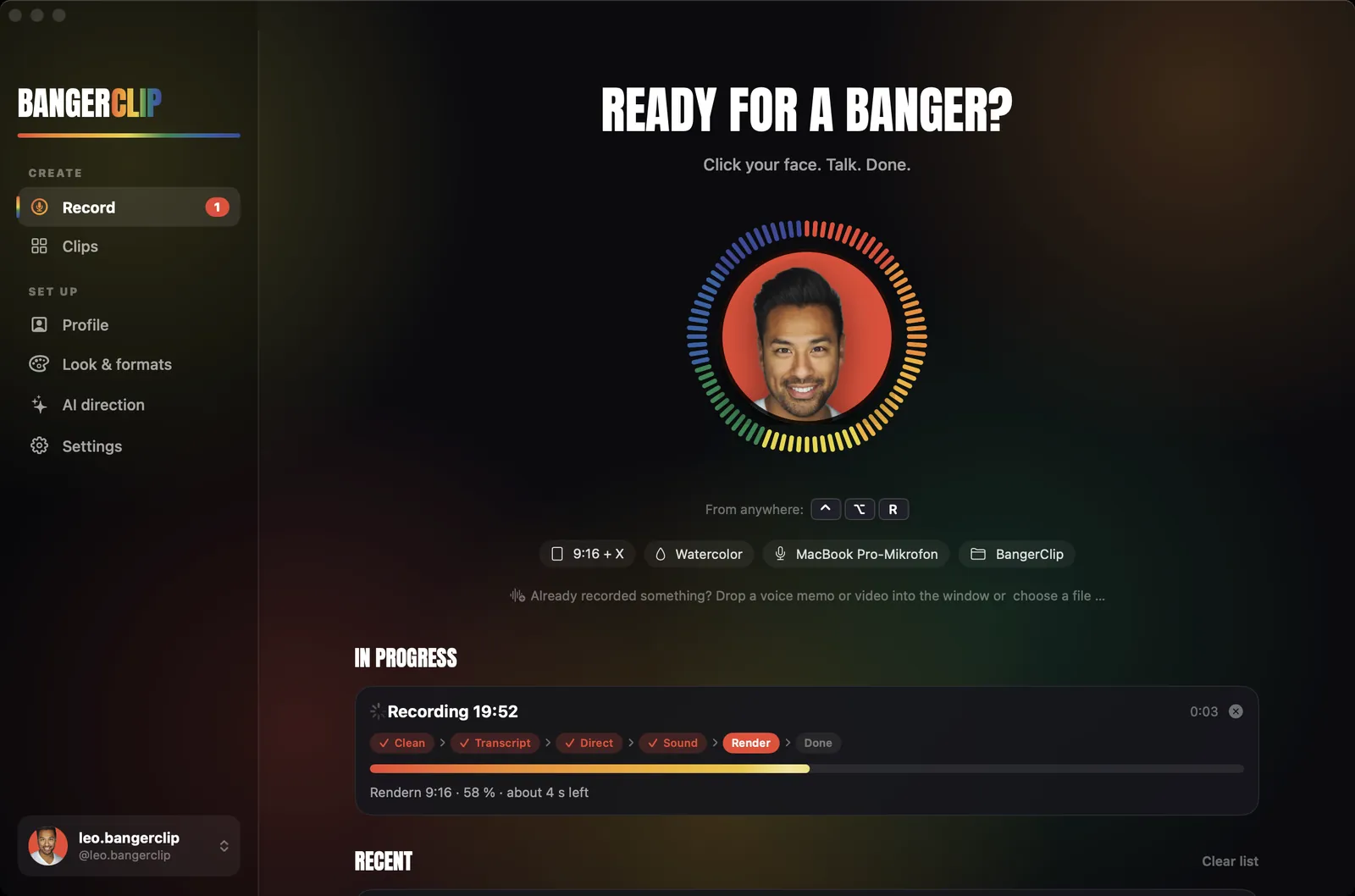
Ready for a banger?
Click the face. Talk. Done.
That's exactly how it works with your voice. Set up once, then use ⌃⌥R from anywhere.
Download free for Mac Send to my MacYour expertise. As a clip.
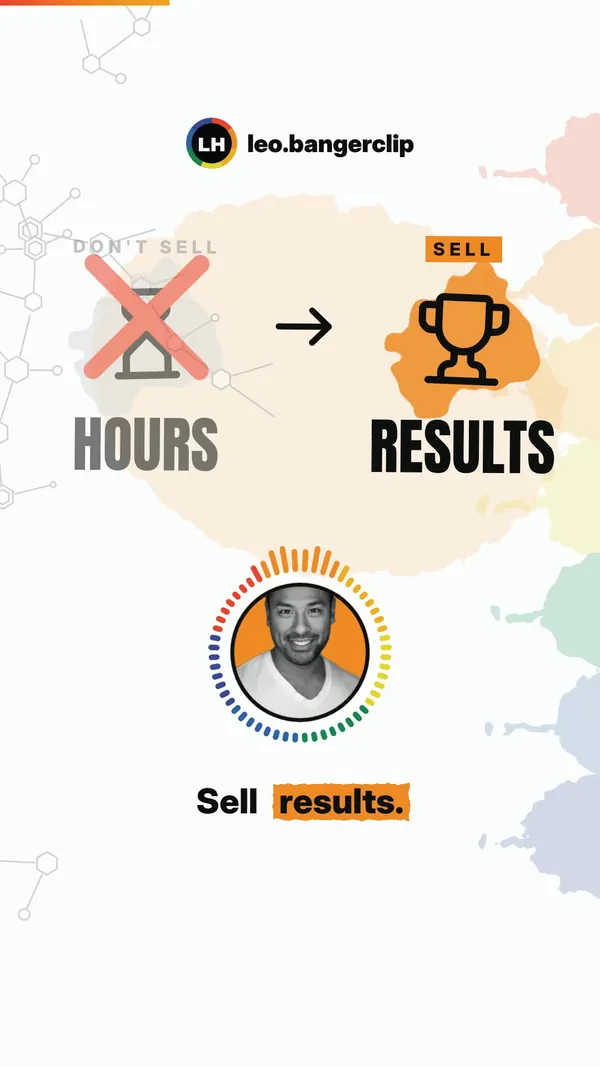
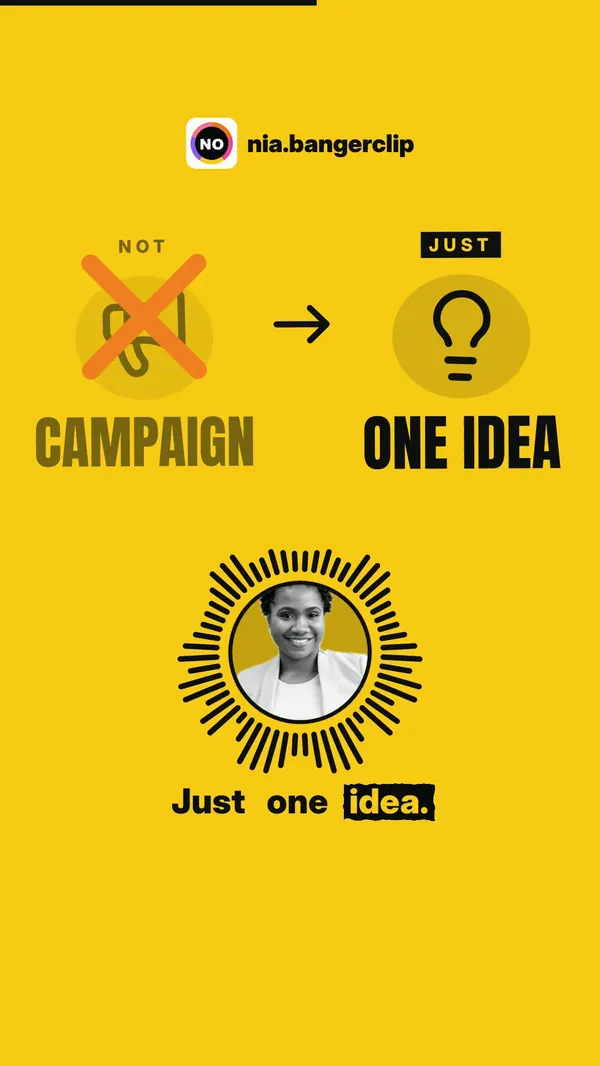
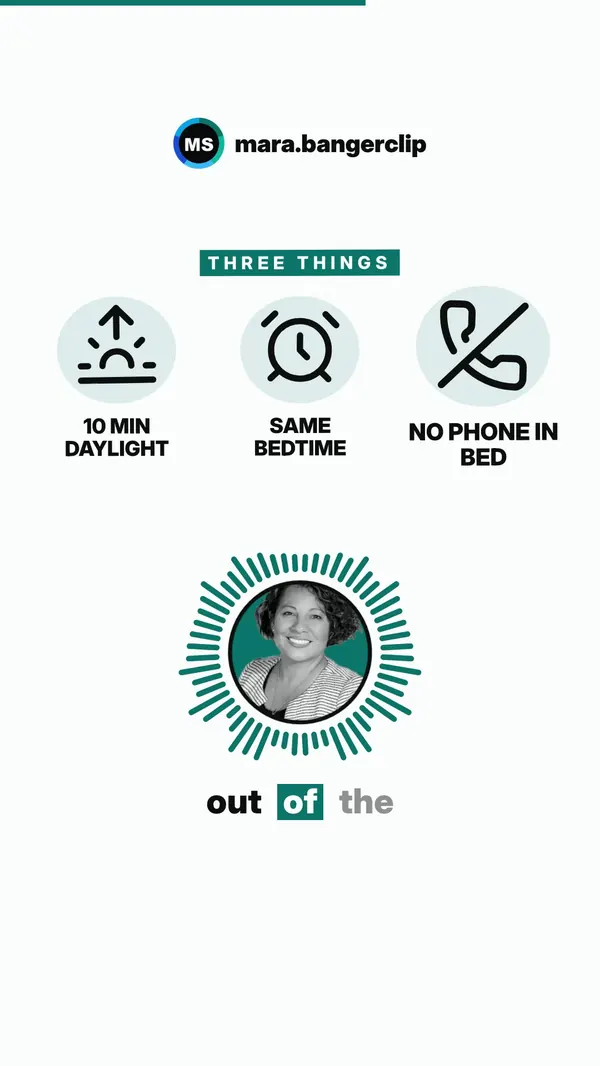
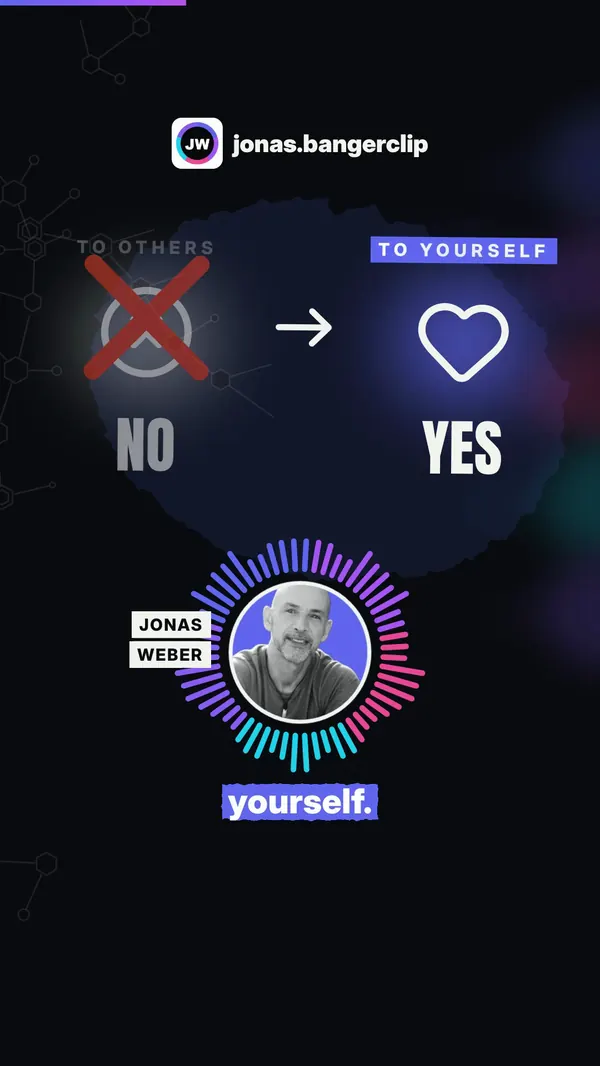
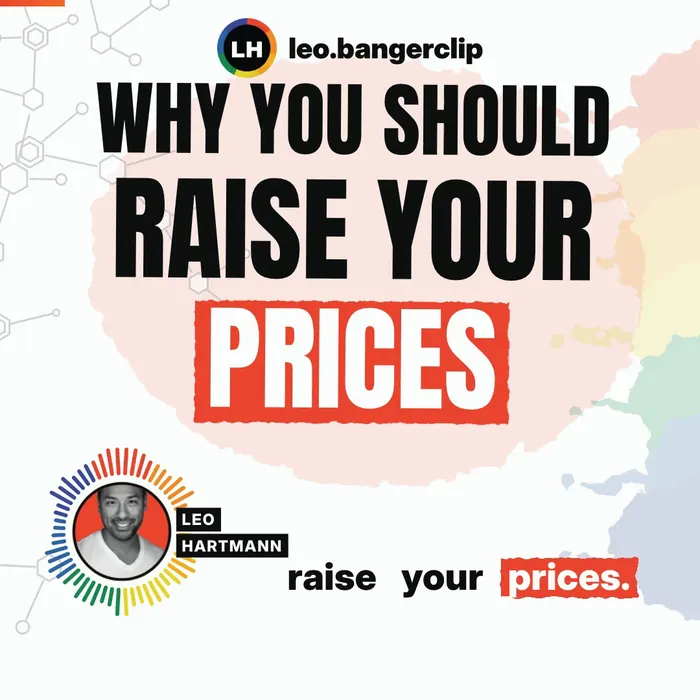
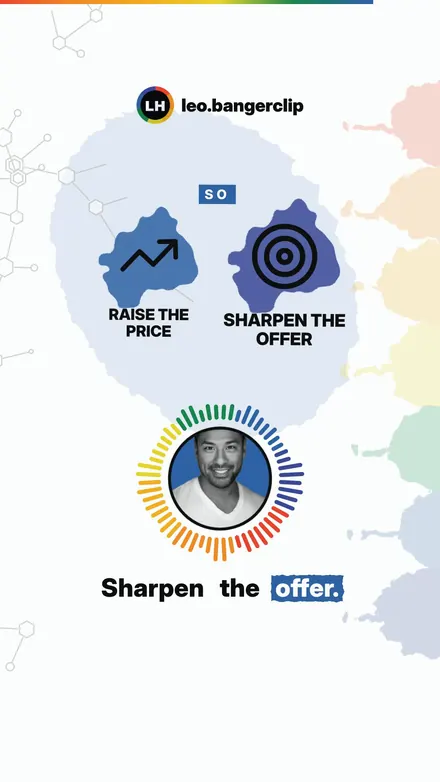
Four sample profiles, four looks. Each clip was made from a short voice recording: nobody filmed themselves, no editing software.
Sample profiles with photos from Unsplash, not real customers. Shown muted.
One clip. Everywhere.
Every clip comes ready for every channel: the right version, the right caption, the X post already written. One click per channel, or AirDrop it to your iPhone and post from any app.
Caption is on your clipboard, the video is selected in Finder.
The upload page opens, drag the video in, done.
Vertical and short, ready to upload as a Short.
Its own version with your X handle, the post is already filled in.
Square for the feed, text is copied.
AirDrop to your phone, then into Stories, WhatsApp, Threads.
Four looks. Your colors.
Drop in your logo and BangerClip picks up its colors. Every look carries your photo, your logo and your colors.
The Studio
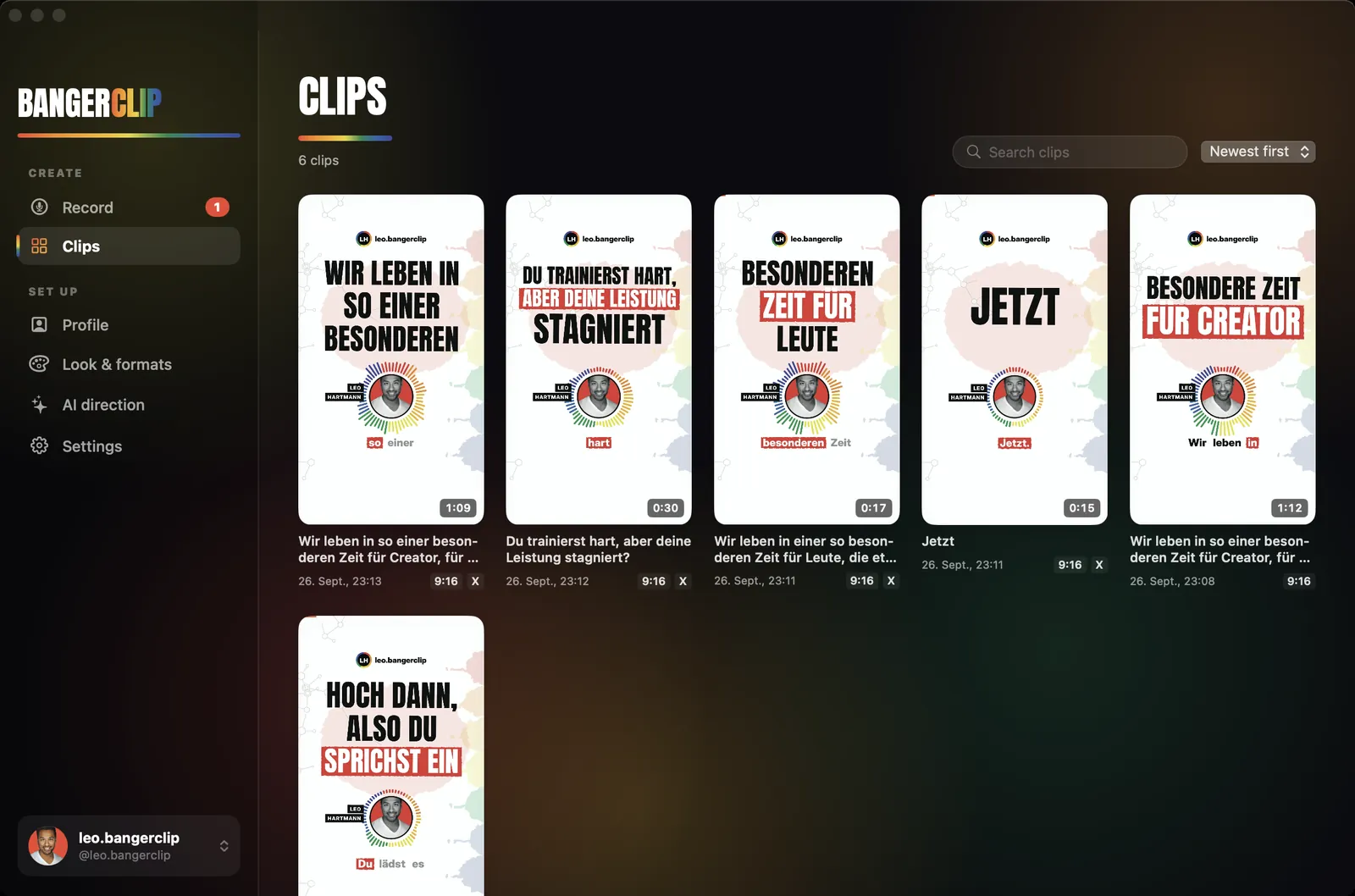
Your face is the record button, clips are built live right below. An assistant sets you up in two minutes.
No cloud. Really.
Recording, transcript, editing and video all happen on your Mac. Your voice is never uploaded. A good feeling, especially with sensitive topics.
Start free. Go Pro to make it pop.
Editing, transcription and video run on your Mac. You pay for more clips, more looks and hassle-free AI direction.
Free
- 3 clips per month
- 9:16 for Reels, TikTok, Shorts
- Watercolor look
- Free images from Pexels and Pixabay in your clip
- 3 AI clips on us, AI with your own key
- Short “Made with BangerClip” end card
Pro
- Unlimited clips
- 9:16, 1:1, 16:9 and its own X version
- All four looks in your colors
- Your own asset box: your photos, videos and logos as cards in the clip
- No BangerClip end card
- 20 AI clips per month included, no key needed
Cancel monthly · 14-day money back on your first subscription. Pro goes on sale when the beta ends.
Coming soon: AI packs for more AI direction without your own key, 20 clips for $5 or 100 for $17, never expire. Launch prices, sales tax included where applicable. Payment and invoicing via Paddle. Other currencies at checkout.
Do I have to film myself?
No. You only record your voice. You upload your photo once, it sits in the sound ring and moves with your voice. No camera, lighting or editing.
Which Macs are supported?
Macs with Apple silicon (M1 or newer) and macOS 14 Sonoma or later, about 1.2 GB of free space. BangerClip isn't available for Windows, iPhone or Intel Macs (yet).
macOS warns me on first launch. Is it safe?
During the open beta BangerClip isn't notarized by Apple yet, so macOS asks first. To open it: System Settings → Privacy & Security → Open Anyway. The download page walks you through every step. The notarized version arrives before Pro goes on sale.
What happens to my voice?
It stays on your Mac. Transcript, editing and video are made locally. Only if you turn on AI direction does the transcript text go to the provider you chose, never the audio.
Do I need an AI account?
No. Without AI, BangerClip plans scenes and texts on its own. If you like, connect Claude, OpenAI, Gemini, OpenRouter, a local model (Ollama, LM Studio) or OpenCode. Pro includes 20 AI clips a month, no key needed.
What does it cost, and can I cancel?
Free: 3 clips a month in the Watercolor look. Pro: $9 a month or $79 a year, cancel monthly, 14-day money back on your first subscription. The first 10 beta accounts get a year of Pro for free.
Which languages does BangerClip speak?
English and German, detected automatically per recording. Subtitles, graphics and texts follow the spoken language. The app itself comes in English and German.
Can I talk about health?
Sure, many experts do. You're responsible for your content: no promises of cures, and give every clip a quick look before posting, because subtitles are generated automatically.
What's in every clip?
Word-accurate subtitles, graphics from your words, your face in the sound ring, music that ducks whenever you talk, loudness at Instagram level, plus a caption with hashtags and its own post for X.
Get your
first banger
Talk for a minute, post a finished clip. Start free, no credit card.